
Free notebook-style calculator app
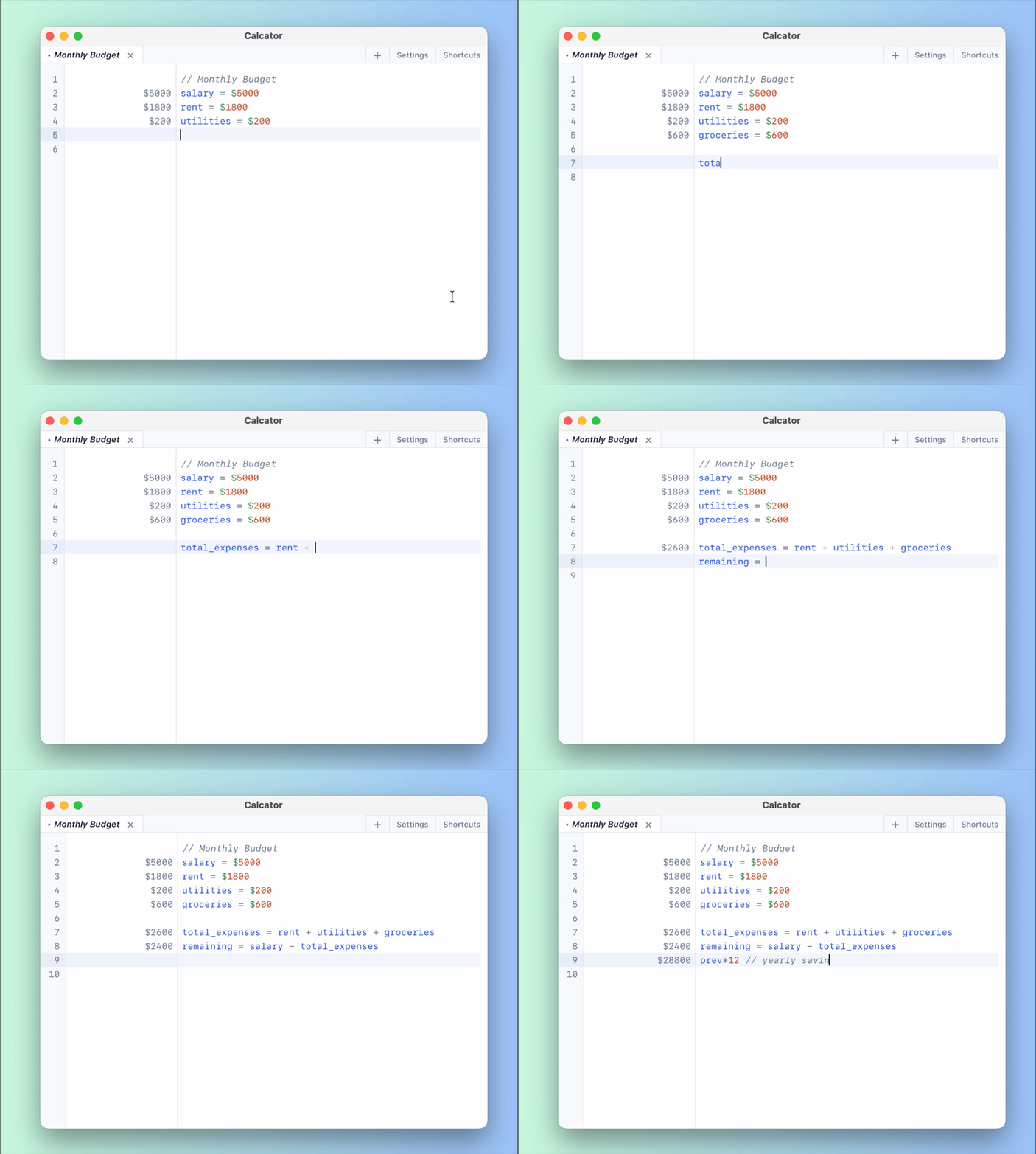
Calcator is a free Numi alternative for macOS, Windows, and Linux. Write calculations like notes and see results instantly.
Or install with Homebrew (macOS)
brew install --cask jeremieflrnt/calcator/calcator
What Makes Calcator Awesome
Features that you'll love using ❤️
Smart Autocomplete
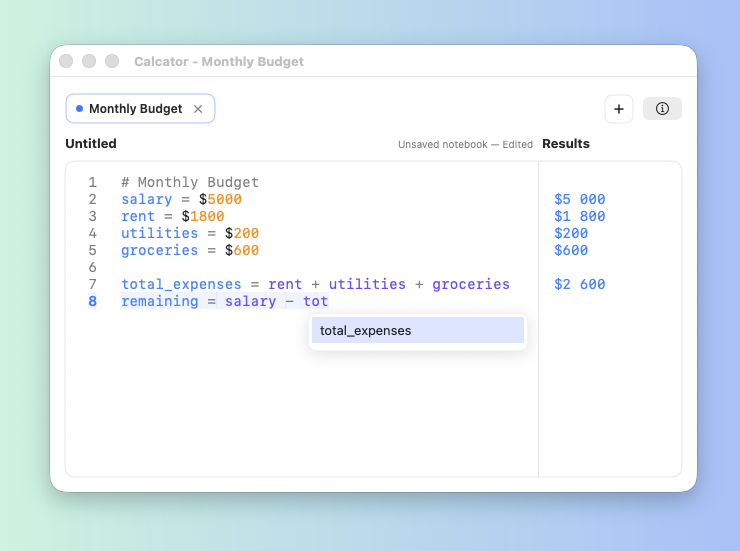
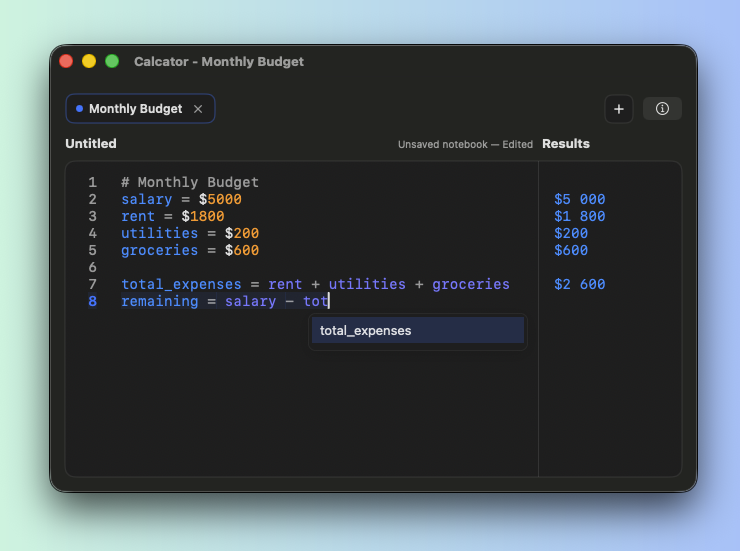
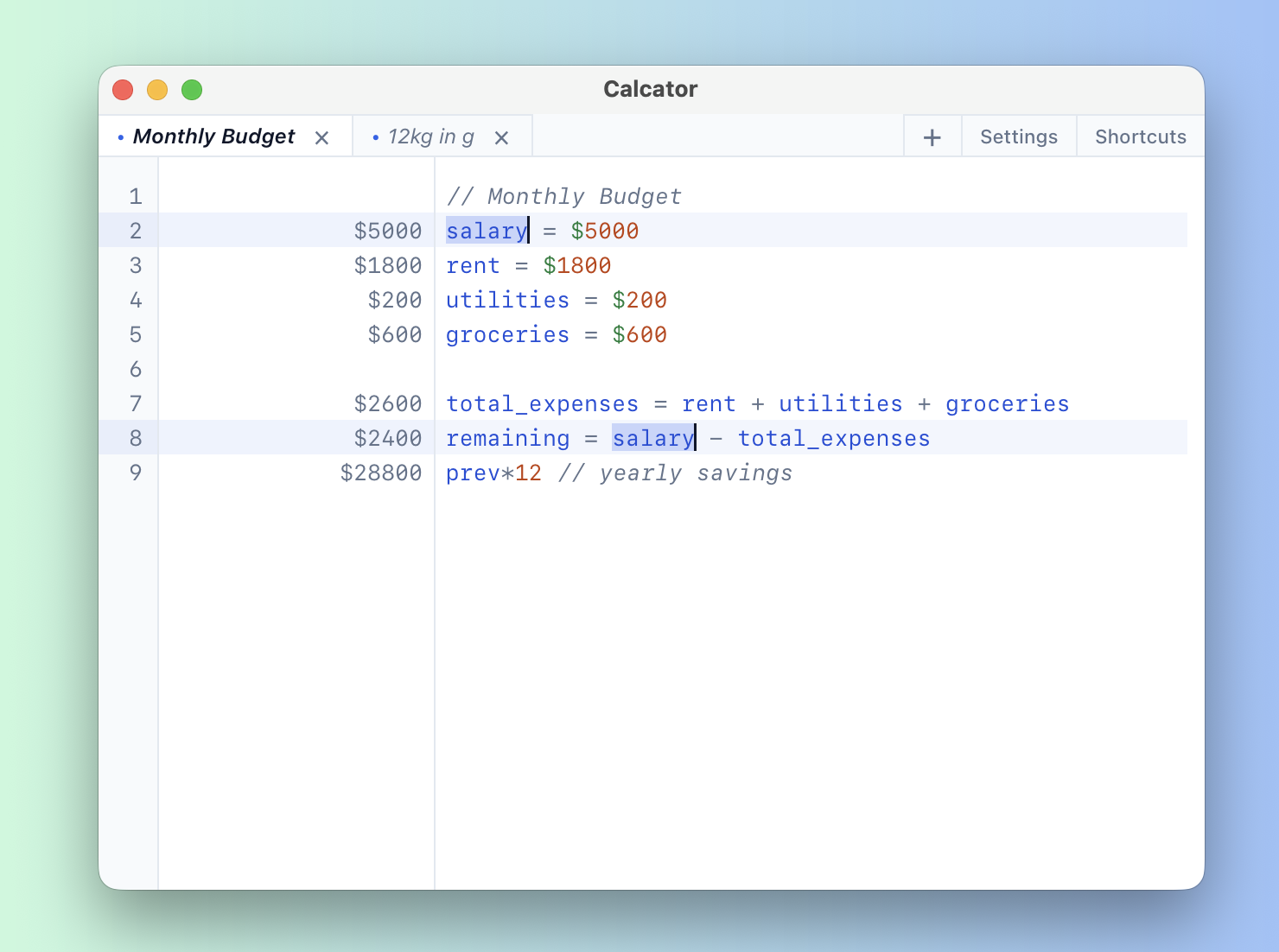
Type once, use everywhere. Autocomplete suggests your variables as you type, making it effortless to reference values throughout your calculations.
Multi-cursor & power editing
Editor-grade features: add cursors on adjacent lines (⌘⌥↑/↓ on macOS, Ctrl+Alt+↑/↓ on Windows/Linux), grow selections with ⌘D / Ctrl+D and ⌘⇧L / Ctrl+Shift+L, find and replace, go to line, indent and line comments—familiar shortcuts for fast notebook editing.
Units & Currency
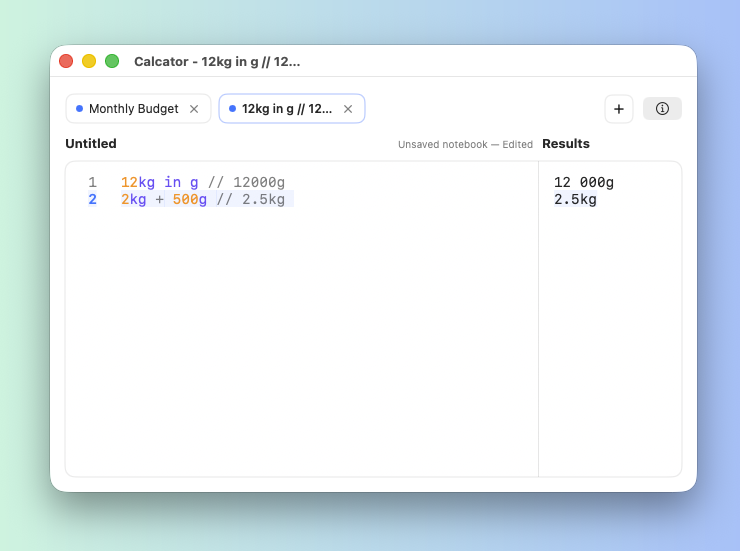
Real-world units that just work. Use currencies. Convert weights or distances. Mix and match freely with automatic conversions.
Percentage Magic
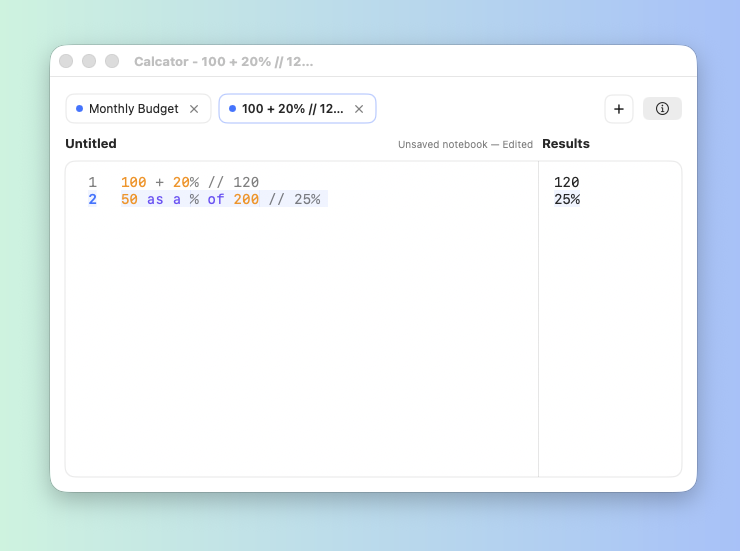
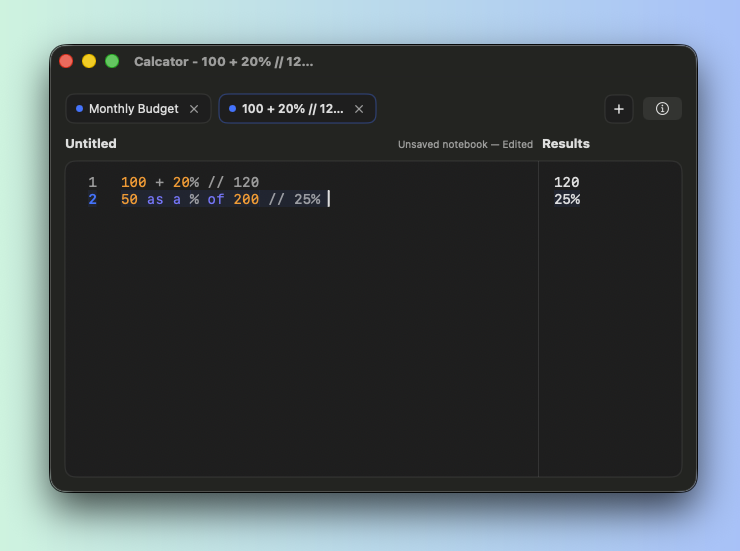
Percentages that make sense. Add tax, subtract discounts, or compare values naturally. No more mental math gymnastics.
Smart Copy
Optional Smart copy: with a single cursor, copying a full line can append the computed result. Multiple cursors always copy plain text. Override from the context menu anytime.
Useful Keyboard Shortcuts
For find/replace, for multi-cursor editing, etc. You will not feel like you are missing anything from your favorite text editor or IDE.
Settings for you!
Choose how the result is displayed (thousands separator, decimal
separator, etc.).
Change the result precision, rounding mode, and more.
Multi-Tab Notebooks
Multiple notebooks, one window. Drag to reorder. Switch instantly between calculations.
Never Lose Your Work
Automatic session restore. Close anytime, reopen later. Every
tab comes back, even unsaved ones.
You can also save your work to a .calc file and reopen it later.
Light and Dark mode
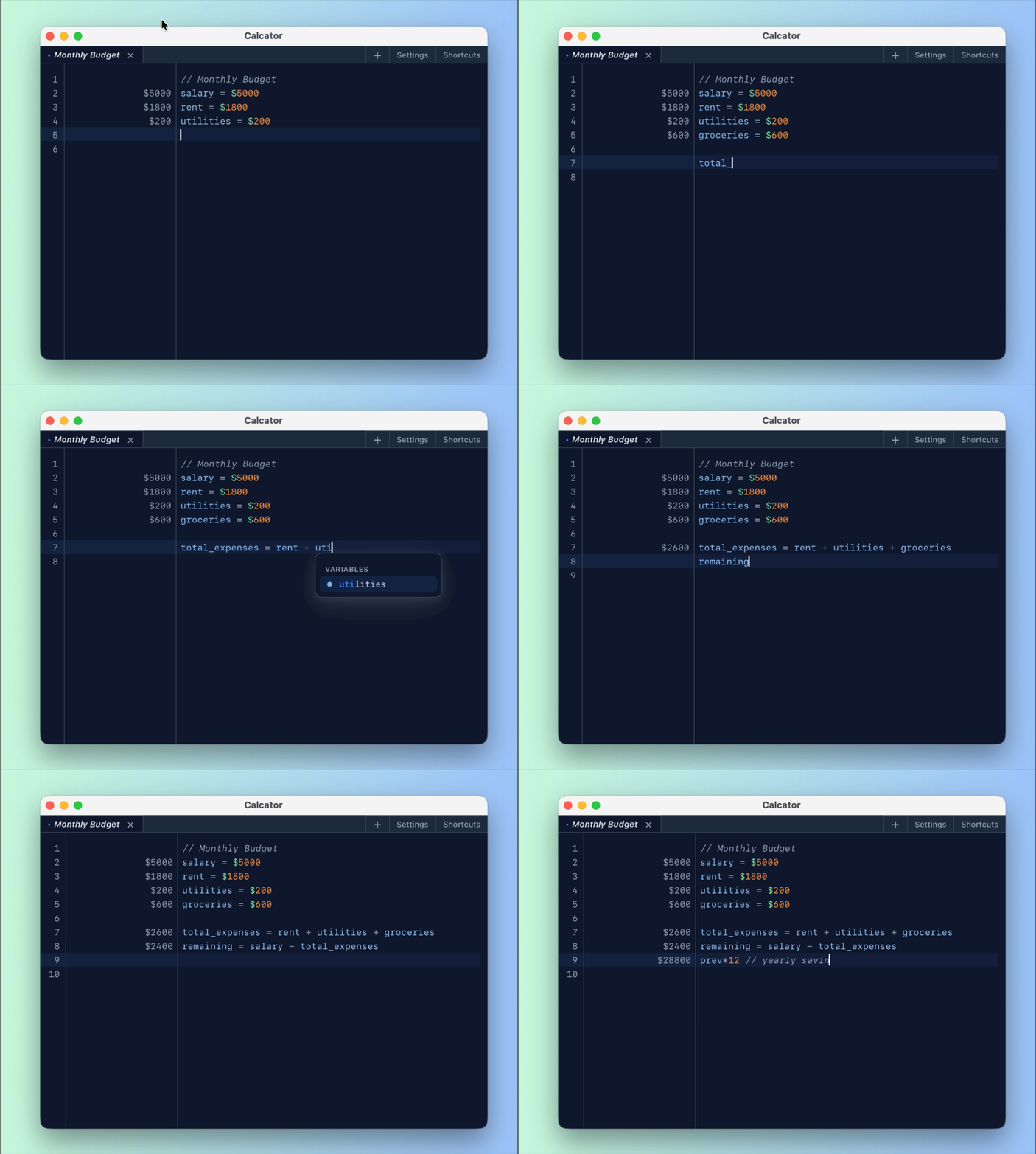
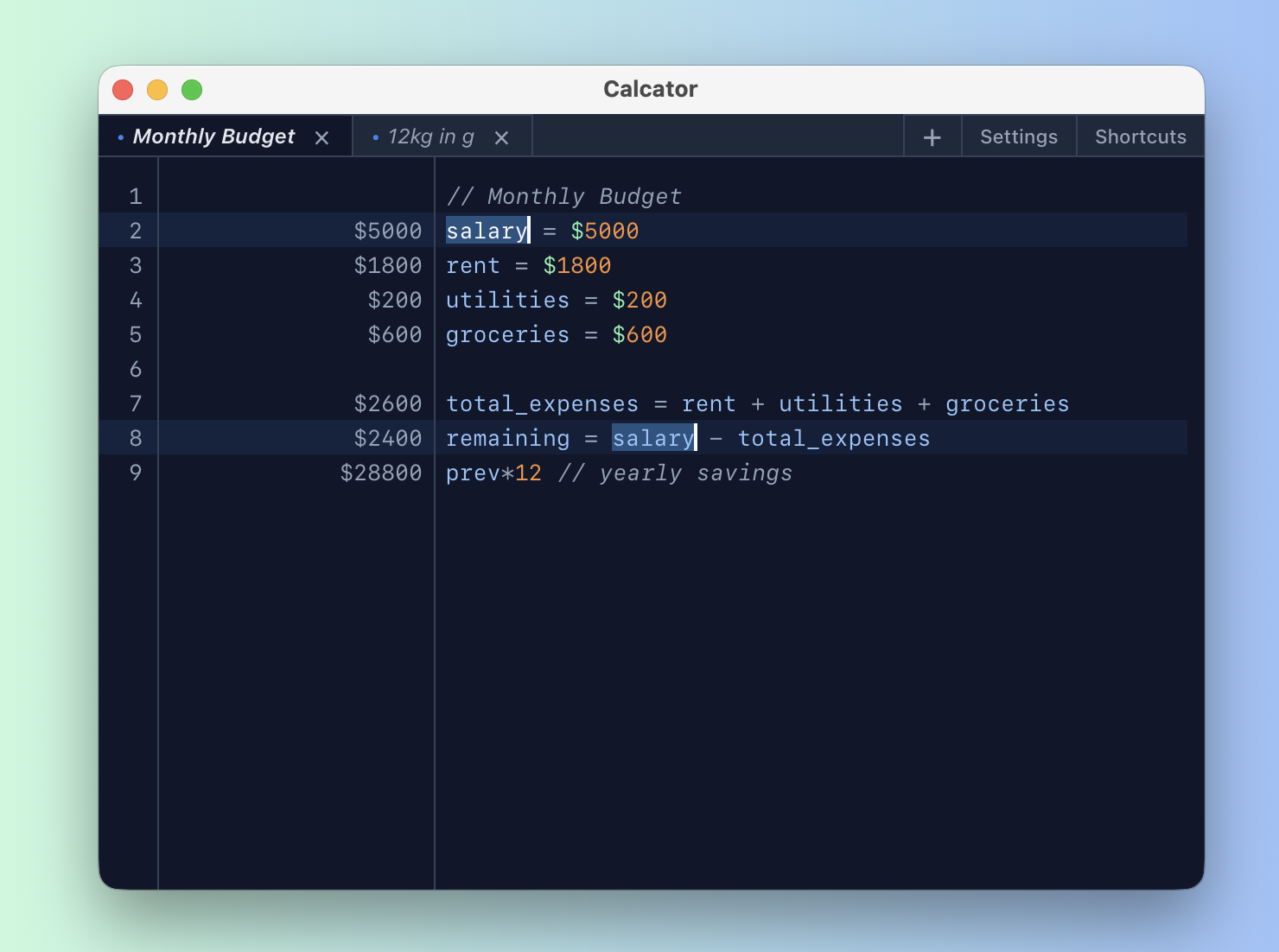
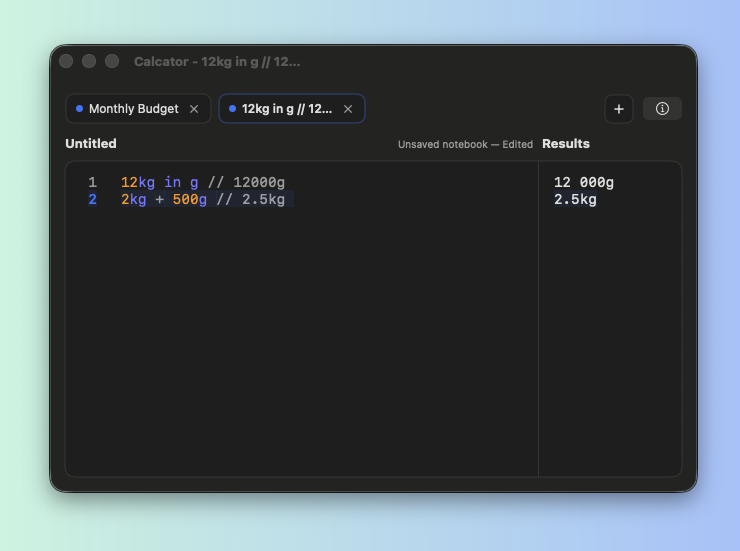
Light, dark, or automatic—when automatic, the theme follows your system appearance.
Calcator vs Numi
Looking for a Numi alternative? Calcator keeps the notebook-style workflow and adds native installers for all major desktop platforms.
Need the full breakdown? Visit the dedicated Numi alternative page.
Work faster
IDE-like editing with multi-cursor, find/replace, and go-to-line.
Stay organized
Multi-tab notebooks with native .calc files.
Pay nothing
Free desktop app for macOS, Windows, and Linux.
Why choose Calcator?
Calcator is built for people who want a fast desktop calculator
with editor-grade workflows, reusable .calc files,
and simple cross-platform installs.
Where Numi is currently stronger
Numi is mature and includes capabilities Calcator is still improving, such as broader time/date calculus and deeper advanced metrics/functions coverage. If those workflows are critical today, verify Numi docs and pick the best fit.
Frequently asked questions
Is Calcator a good Numi alternative?
Yes. If you like the notebook calculator style and want a free option with native downloads for macOS, Windows, and Linux, Calcator is a strong alternative.
Does Calcator support units, currency, and percentages?
Yes. You can mix units, currency conversions, percentages, and
variables in the same notebook and keep your work in
.calc files.
What can Numi do today that Calcator is still building?
The main gap today is richer time/date calculus and some advanced metrics/functions depth. Calcator is actively closing this gap on the roadmap.
Roadmap & Future Features
What's coming next to make Calcator even better
Add Calcator to the official brew repository
Add Calcator to the official brew repository (macOS) so that anyone can
install it using brew (don't have to do
brew tap jeremieflrnt/calcator).
Open source
Make the app open source so that anyone can contribute to it.
Localization
Add support for other languages.
Add more units and functions
Add more units and functions to the app. Perfect for specialized formulas.
Date & Time Calculations
Work with dates, times, and durations naturally. Calculate days between dates, add time intervals, and more.
Certificate and notarization
Get a certificate (Windows) and notarization (macOS) for the app so that it can be installed without any warnings. But it is very costly!! So share this app! 🚀🤣
Have a feature request or suggestion?
Contact meReady to Calculate Smarter?
Free for macOS, Windows, and Linux. No account required.
macOS 14.6 Sonoma or later · Windows 10+ · amd64 .deb for Debian/Ubuntu-based distros
Or install with Homebrew (macOS)
brew install --cask jeremieflrnt/calcator/calcator
Install & first launch
Pick your platform. On macOS, Gatekeeper may require an extra step the first time you open the app.
macOS (.dmg)
Open the downloaded disk image and drag Calcator to Applications. If macOS blocks the app on first launch, use the steps below (safe when you downloaded from this page).
If Gatekeeper blocks the app
-
In Finder, Control-click Calcator in
Applicationsand choose Open. Confirm Open in the prompt. - If it is still blocked, open System Settings (Apple menu → System Settings), then go to Privacy & Security.
- Under Security, find the message about Calcator, click Open Anyway, then retry opening the app.
Terminal fallback (if macOS says the app is "damaged"): run:
xattr -dr com.apple.quarantine "/Applications/Calcator.app"
Then open Calcator again from Finder.
Windows (.exe)
Run the installer and follow the steps. If SmartScreen appears, choose “More info”, then “Run anyway” (only if you downloaded from this page). Windows often warns the first time for smaller apps.
Linux (.deb)
Download the .deb package. From a
terminal, go to the folder containing the file (adjust the
filename if the version changed), then install with
apt:
sudo apt install ./Calcator_0.2.4_amd64.deb